Make Labels from Google Sheets: A Practical How-To
Learn to make labels from Google Sheets with a practical, reproducible workflow. Prepare data, design a template, merge, and print professional labels—end-to-end instructions for students, professionals, and small businesses.


Overview: Turn Data into Printable Labels
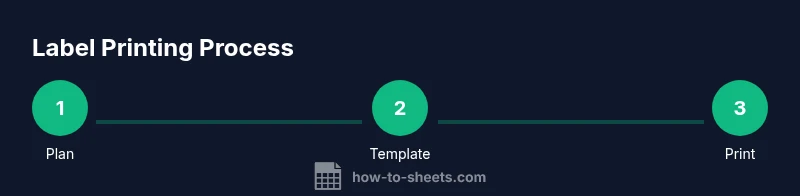
This guide shows how to make labels from google sheets by turning structured data into printable labels. The approach is practical for classrooms, offices, and small businesses. It blends a data-first mindset with a template-driven printing workflow, reducing errors and waste. According to How To Sheets, a data-backed labeling process is more reliable when you standardize fields (name, address, SKU) and maintain consistent templates across print runs. The goal is a repeatable, scalable workflow that you can reuse for address labels, asset tags, product labels, or event badges. By the end, you’ll know how to prepare data, choose the right label stock, set up a template, perform a safe print test, and execute a final run with confidence.